Recreating a website header with Kadence
In this tutorial, you’ll learn how to recreate a polished, responsive website header using Kadence Pro—no coding required. From layout setup to styling and customization, this step-by-step guide walks you through building a sleek header that’s both functional and visually appealing. Let’s get designing!
form.woocommerce-product-search button[type="submit"]{
	border-left:1px solid #667665;
}

form.woocommerce-product-search input[type="search"]{
	border-radius:0px
}

.header-account-in-wrap, .header-cart-wrap{
	border:1px solid #667665;
	border-left:none
}

.site-header-item{
	margin-right:0px
}

@media only screen and (max-width: 769px) {

form.woocommerce-product-search input[type="search"]{
	border: none!important;
}
}

Changing the Cart Icon

add_filter( 'kadence_svg_icon', 'change_cart_icon', 10, 4 );
function change_cart_icon( $output, $icon, $icon_title, $base ) {
if ( 'shopping-cart' === $icon ) {
return '<span class="kadence-svg-iconset"><svg fill=currentColor class="kadence-svg-icon kadence-shopping-bag-svg" viewBox="0 0 24 24" xmlns="http://www.w3.org/2000/svg" width="24" height="24"><path d="M20 7h-4v-3c0-2.209-1.791-4-4-4s-4 1.791-4 4v3h-4l-2 17h20l-2-17zm-11-3c0-1.654 1.346-3 3-3s3 1.346 3 3v3h-6v-3zm-4.751 18l1.529-13h2.222v1.5c0 .276.224.5.5.5s.5-.224.5-.5v-1.5h6v1.5c0 .276.224.5.5.5s.5-.224.5-.5v-1.5h2.222l1.529 13h-15.502z"/></svg></span>';
}
return $output;
}


Changing account ICON

add_filter( 'kadence_svg_icon', 'change_account_icon', 10, 4 );
function change_account_icon( $output, $icon, $icon_title, $base ) {
if ( 'account' === $icon ) {
return '<span class="kadence-svg-iconset"><svg fill=currentColor class="kadence-svg-icon kadence-account-svg" viewBox="0 0 24 24" xmlns="http://www.w3.org/2000/svg" width="24" height="24"><path d="M12 2c2.757 0 5 2.243 5 5.001 0 2.756-2.243 5-5 5s-5-2.244-5-5c0-2.758 2.243-5.001 5-5.001zm0-2c-3.866 0-7 3.134-7 7.001 0 3.865 3.134 7 7 7s7-3.135 7-7c0-3.867-3.134-7.001-7-7.001zm6.369 13.353c-.497.498-1.057.931-1.658 1.302 2.872 1.874 4.378 5.083 4.972 7.346h-19.387c.572-2.29 2.058-5.503 4.973-7.358-.603-.374-1.162-.811-1.658-1.312-4.258 3.072-5.611 8.506-5.611 10.669h24c0-2.142-1.44-7.557-5.631-10.647z"/></svg>
</span>';
}
return $output;
}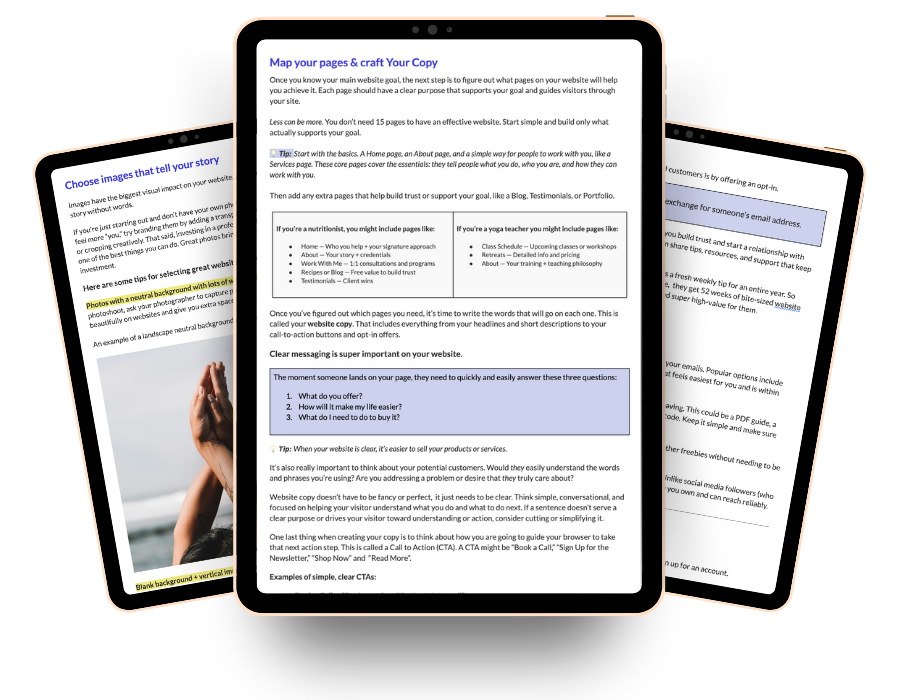
Free Workbook
The hardest part isn’t the design, it’s knowing where to start.
Planning your website doesn’t have to feel confusing, messy, or intimidating. This free Google workbook will help you gather the right pieces in the right order, so building your website feels smoother, easier, and way less stressful!